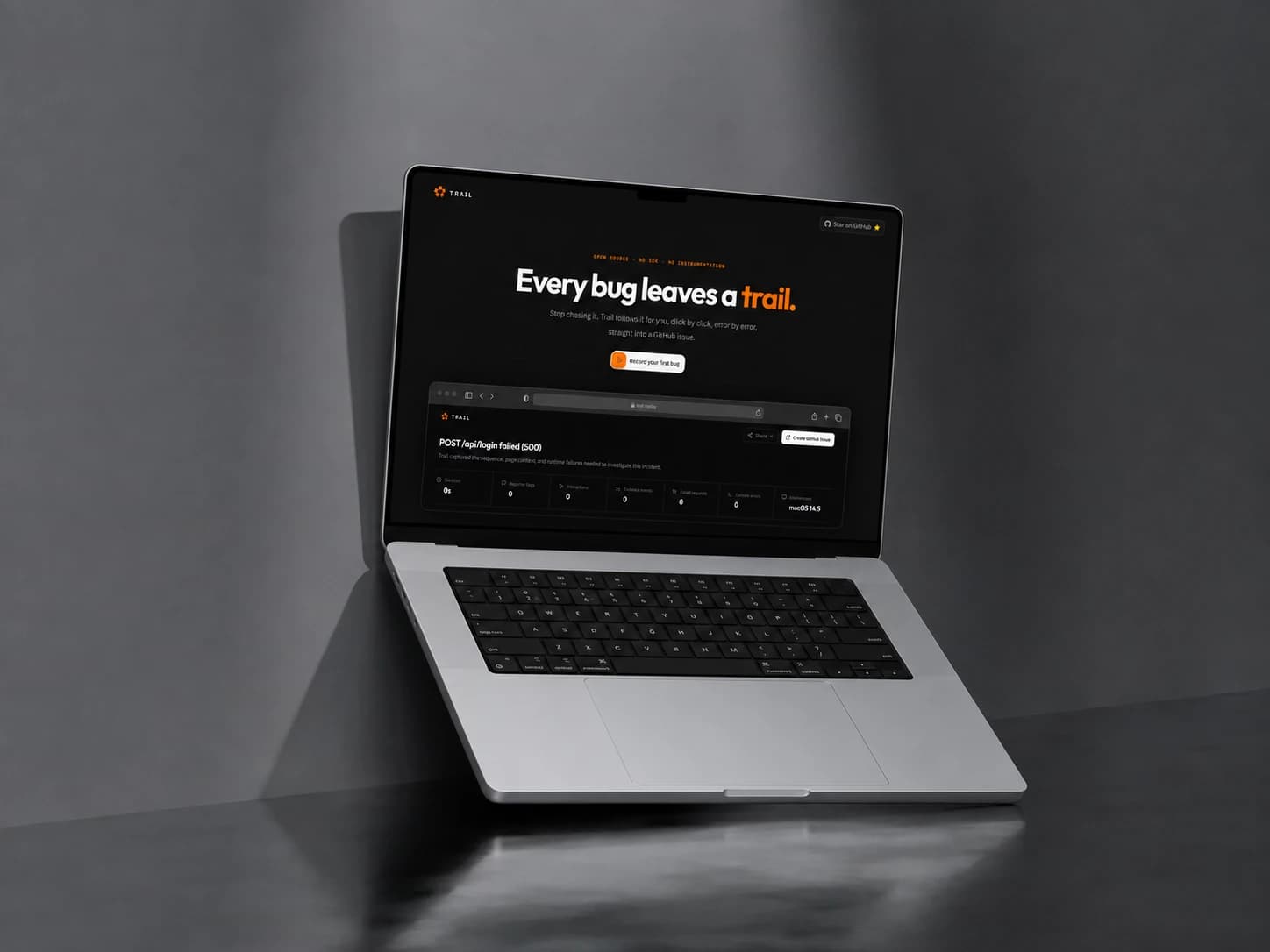
Trail was in a good place. Capture worked, redaction worked, the review screen showed a full replay with a timeline, and the generated report walked straight into a GitHub issue with the fields already filled in. I'd built the whole demo path without touching an AI call. It felt done enough to test on something real.
For a real test I picked Excalidraw. Instead of clicking around at random, I opened its public issue tracker and pulled a reported bug to reproduce: group three rectangles, double-click into one to add text, and one of them resizes on its own.
A bug with no signal
I followed the steps exactly as reported with the extension recording. I selected the rectangles, grouped them, double-clicked into one and added text. The rectangle resized right on cue.
Nothing crashed. Nothing showed up in the console. The network tab stayed quiet. The tab just sat there like nothing had happened.
I opened Trail's review screen anyway, half expecting it to have caught something. It hadn't.
The replay showed my clicks fine. The timeline was empty right where the bug was. There was nothing to point at. As far as the browser was concerned, nothing had gone wrong.
That's when it landed. Trail was built to listen for signals: console errors, failed requests, thrown exceptions. This bug never threw one, it just looked wrong to a person watching it happen. A tool that only listens for machine signals has no way to catch a bug that only a human can see.
I looked at how other repro tools handle this kind of bug. Jam, Marker.io and Usersnap all did it the same way. Console logs and network capture are the real evidence, and a user pointing at something that just looks wrong gets a screenshot button bolted on the side. It sits disconnected from everything else the tool captures automatically. Trail didn't even have that.
One field instead of two
The fix had to let a person mark the exact moment something looked wrong, without pausing the recording to do it. I actually built it that way at first, with two fields: expected behavior, actual behavior. It looked clean on paper, but using it meant stopping to think and type twice while you're trying to catch a bug mid-flight. That's friction exactly where you don't want it. I didn't like how it felt, so I scrapped it and collapsed everything to one field with a placeholder that did the thinking for you, something like "what did you expect vs what happened." One box, one thought, keep moving.
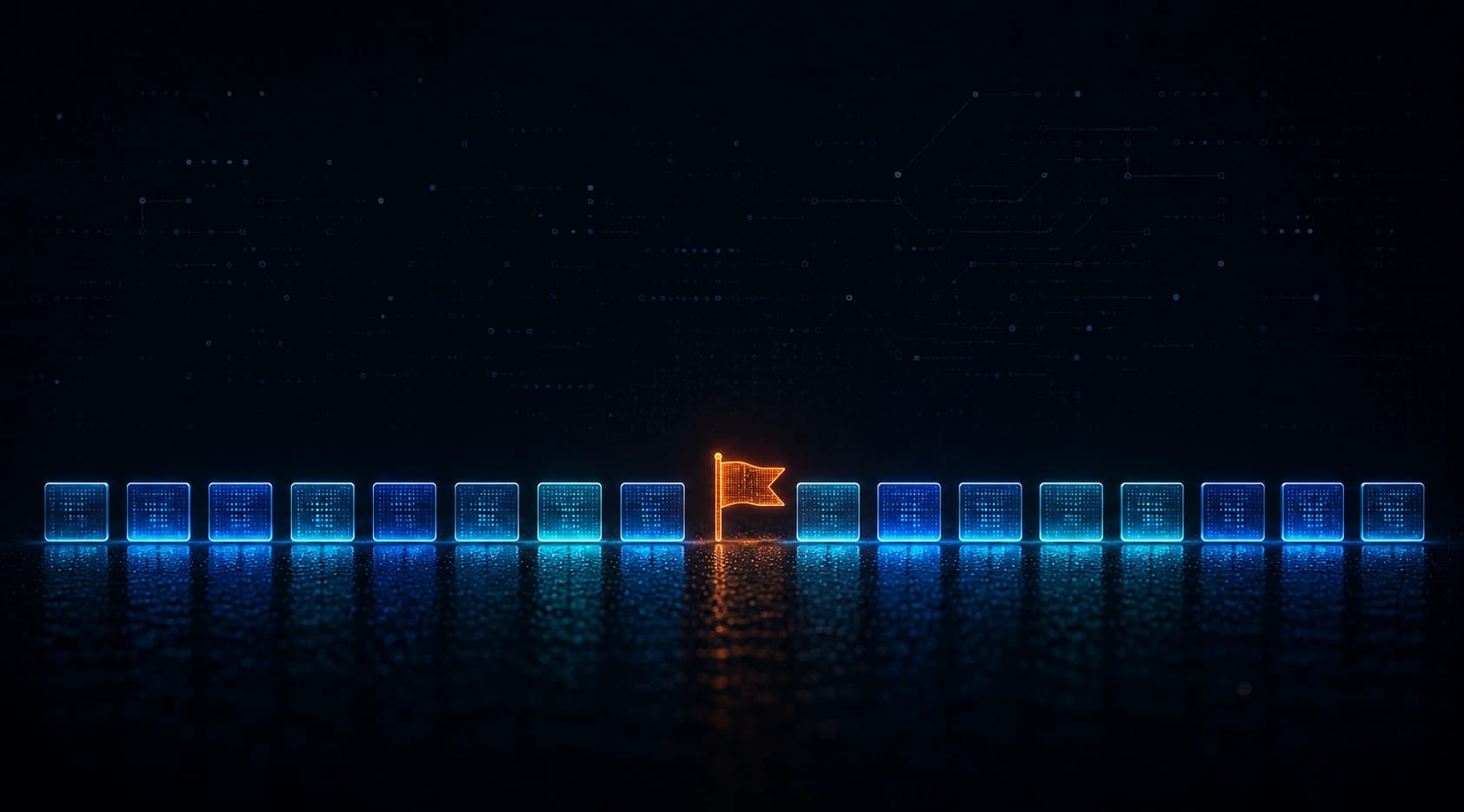
That became Flag. A pinned button sits on the overlay the whole time you're recording. Click it, type the one line, and the flag drops into the timeline as its own event, right alongside the console errors and network calls Trail was already catching. It's not a side note. It becomes one of the key signals that shapes the generated issue, and it shows up in the final report the same way a failed request would.
The replay treats it the same way. When you scrub through a session and hit a flagged moment, that stretch plays back at high speed. A visual cue that says whatever happened in these few seconds is why you're here.
I've kept using Flag on every session since. Not just glitches like the Excalidraw one. Plenty of technical bugs are easier to report with one line of "this is wrong" attached to the exact moment, not just a stack trace around it. Reports that used to take a few back-and-forths to pin down now mostly don't.
Trail still can't see a resize glitch on its own. It just doesn't need to anymore.